Channel · Website chat

A chat on your sitethat actually books.

Add it with one line of code or a plugin. It learns from your pages, wears your colours and books visitors before they leave.

Get early access

Every visitor, answered.Before they click away.

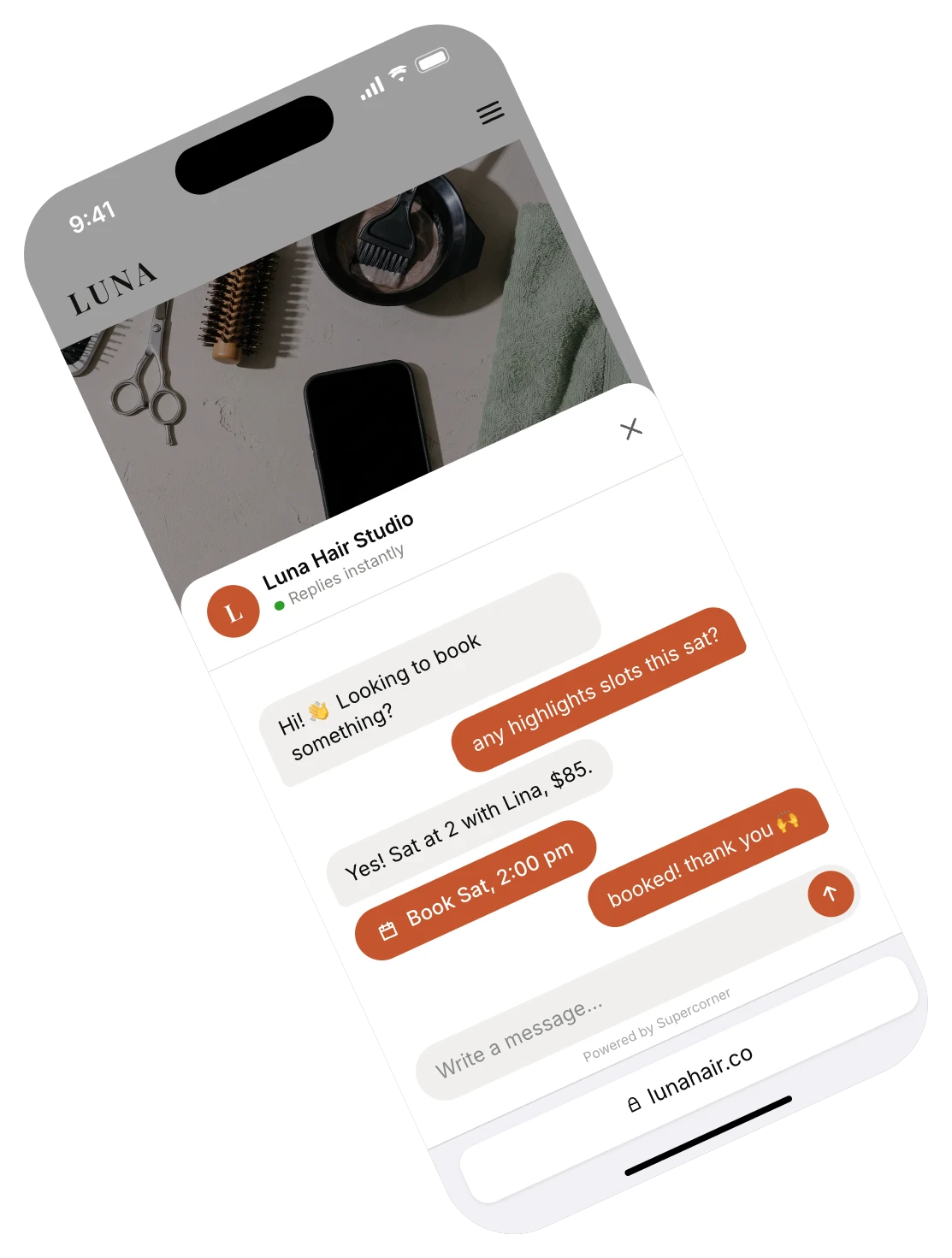
Your agent answers visitors in seconds with your real prices and free times, then books them in with one tap, right in the chat.

harborphysio.com

Back to moving freely.

Sports, back and neck physio by the harbour.

Harbor PhysioOnline
Can I book for Saturday?Yes, 9:30 am is free.
45 minutes, $70.
Book Sat 9:30Booked for Sat 9:30

Same site. Same visitors.More of them book.

Visitors ask the chat instead of digging through your pages. No more “we’ll get back to you.”

  • Answered while they’re still looking.

    Day or night, on any page.

  • Booked without a booking form.

    Pick a time, tap, done.

  • Keep the website you already have.

    No redesign, no new booking page.

Feels like part of your site.Because it learned from it.

Learns from your site

Reads your site in a minute.

Type your web address. It reads your prices, treatments and FAQs, and answers only from what it finds there and what you add.

harborphysio.com24 pages
/prices
/treatments
/team
/faq
Learned 18 services

Catches visitors before they leave

Speaks up at the right moment.

When someone lingers on your prices or heads for the exit, it opens with one helpful line instead of a pop-up.

Still deciding? First visits
are $20 off this week.

See free times

Website chat setup, done with you.Four steps, one short call.

No developer needed. We guide you through each step, or do it with you on a 20-minute call.

  1. Paste one line of code

    Or add the WordPress, Wix or Shopify plugin.

  2. Match your colours

    Your colour, logo and greeting, so it’s yours.

  3. Choose when it pops up

    Right away, on your prices page, or only on tap.

  4. Go live

    Ask it a test question, then switch it on.

Questions

Something else? Just ask us.

Will it slow my website down?

No. The chat loads after the rest of your page, so visitors see your site at full speed and the chat button appears a moment later.

What happens when my prices change?

Change them in your dashboard and the very next answer uses the new price. It also re-reads your website regularly, so updates there get picked up too.

Can it show only on some pages?

Yes. Pick the pages it appears on, or hide it on the ones where you would rather it stayed quiet, like checkout.

Does it work on phones?

Yes. On a phone it opens full screen, like a messaging app, and visitors can book without leaving your site.

What if I don’t have a website?

You get a chat link instead: a simple page with your name where the same agent answers and books. Put it in your Instagram bio, your Google profile or your texts.

Every app they message on.One agent answering.